
How to build a Shopify store: Step-by-step guide
From initial setup to SEO optimization, follow this clear roadmap to launch a professional Shopify store that converts visitors into loyal customers.
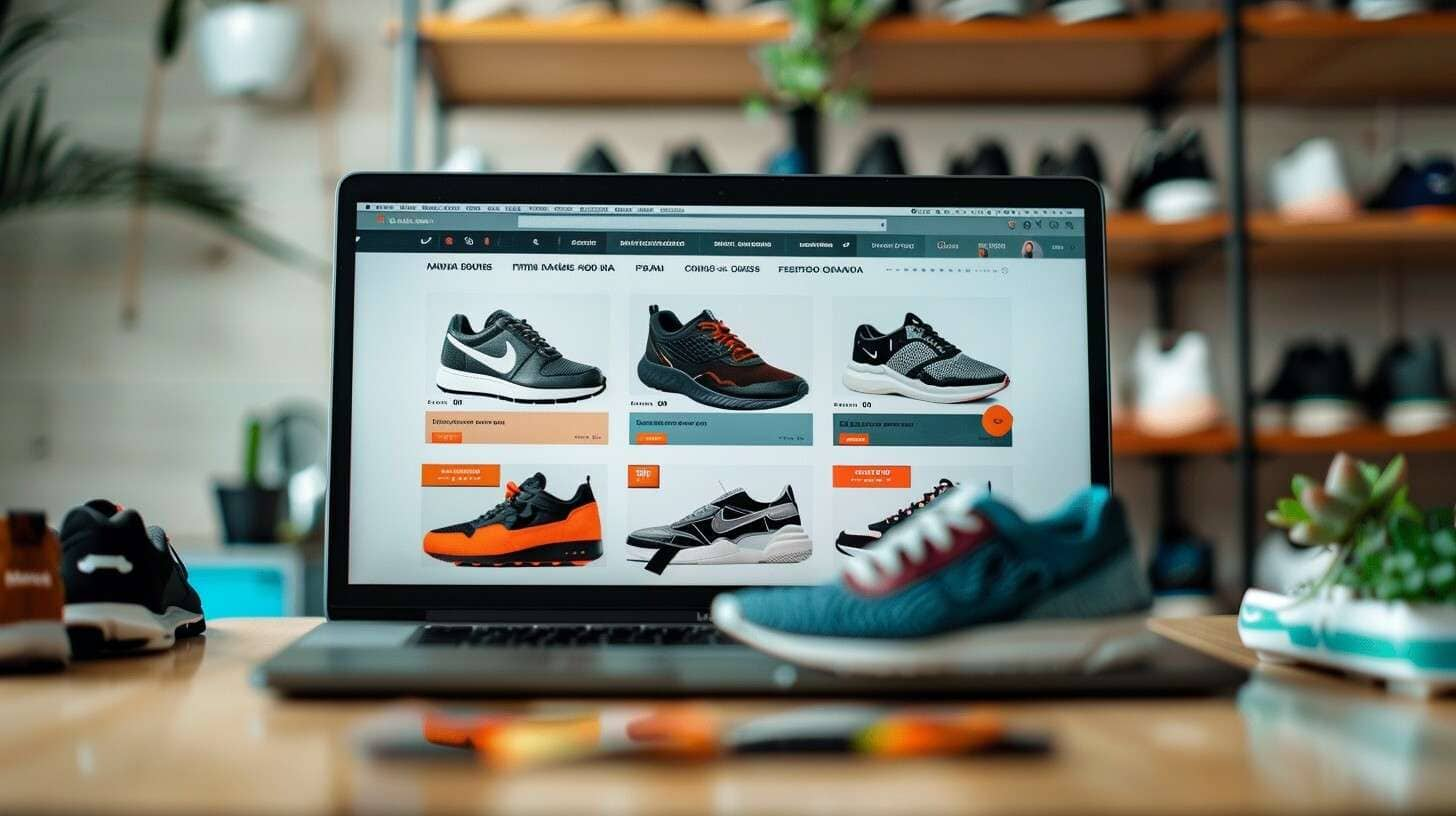
1. Define Your Foundation
Before touching the software, you need a clear brand blueprint. Shopify is highly customizable, but it works best when you have your assets ready.
- Secure Your Domain: Pick a name that is short, memorable, and reflects your brand. Avoid hyphens or complex spellings.
- Brand Guidelines: Have your logo, primary color palette, and high-resolution lifestyle photography ready.
- The "Why": Define your unique selling proposition (USP). Why should a customer buy from you instead of a marketplace?
2. Setting Up the Shopify Core
Sign up for a Shopify account and navigate through the initial setup wizard. This is where you configure the "engine" of your business.
- Product Organization: Use "Collections" to group products logically (e.g., "Best Sellers" or "Winter Collection"). This helps both users and search engine crawlers understand your site structure.
- Payment Gateways: Enable Shopify Payments for a smooth checkout, but also consider offering PayPal or Apple Pay to reduce cart abandonment.
- Tax and Shipping: Automate your tax settings based on your location and set clear shipping zones. Transparency here prevents "sticker shock" at checkout.
3. Designing for Conversion
Your theme is the face of your brand. While Shopify offers free themes, investing in a premium theme or a custom design often pays off in better performance.
Focus on Mobile-First
Most ecommerce traffic now comes from mobile devices. Ensure your buttons are "thumb-friendly" and your text is legible without zooming.
Streamline the Navigation
Keep your menu simple. A "less is more" approach prevents choice paralysis. Use a "Mega Menu" only if you have a massive inventory; otherwise, stick to 5-7 primary categories.
Source: The importance of mobile com.....ia Shopify
4. Essential SEO & App Integration
A store that no one finds is just a digital warehouse. You need to bake SEO into your build from day one.
- On-Page SEO: Every product title should include a keyword (e.g., "Heavyweight Cotton Hoodie" instead of just "The Classic"). Write unique meta descriptions for every page.
- Image Optimization: Large files slow down your site. Use tools to compress images and always add "Alt Text" for accessibility and SEO.
- Strategic Apps: Don't over-install apps, as they can slow down your site. Stick to the essentials:
- Email Marketing: (e.g., Klaviyo) for abandoned cart recovery.
- Reviews: (e.g., Loox or Judge.me) to build social proof.
- SEO Tools: (e.g., Plug in SEO) to monitor technical health.
Source: Google's Best Practices for .....mmerce SEO
5. Testing and Launch
Never "go live" without a thorough audit. A single broken link on your checkout page can cost you thousands in lost revenue.
- Place a Test Order: Ensure the payment goes through and the confirmation email is sent.
- Browser Testing: Check your store on Chrome, Safari, and Firefox.
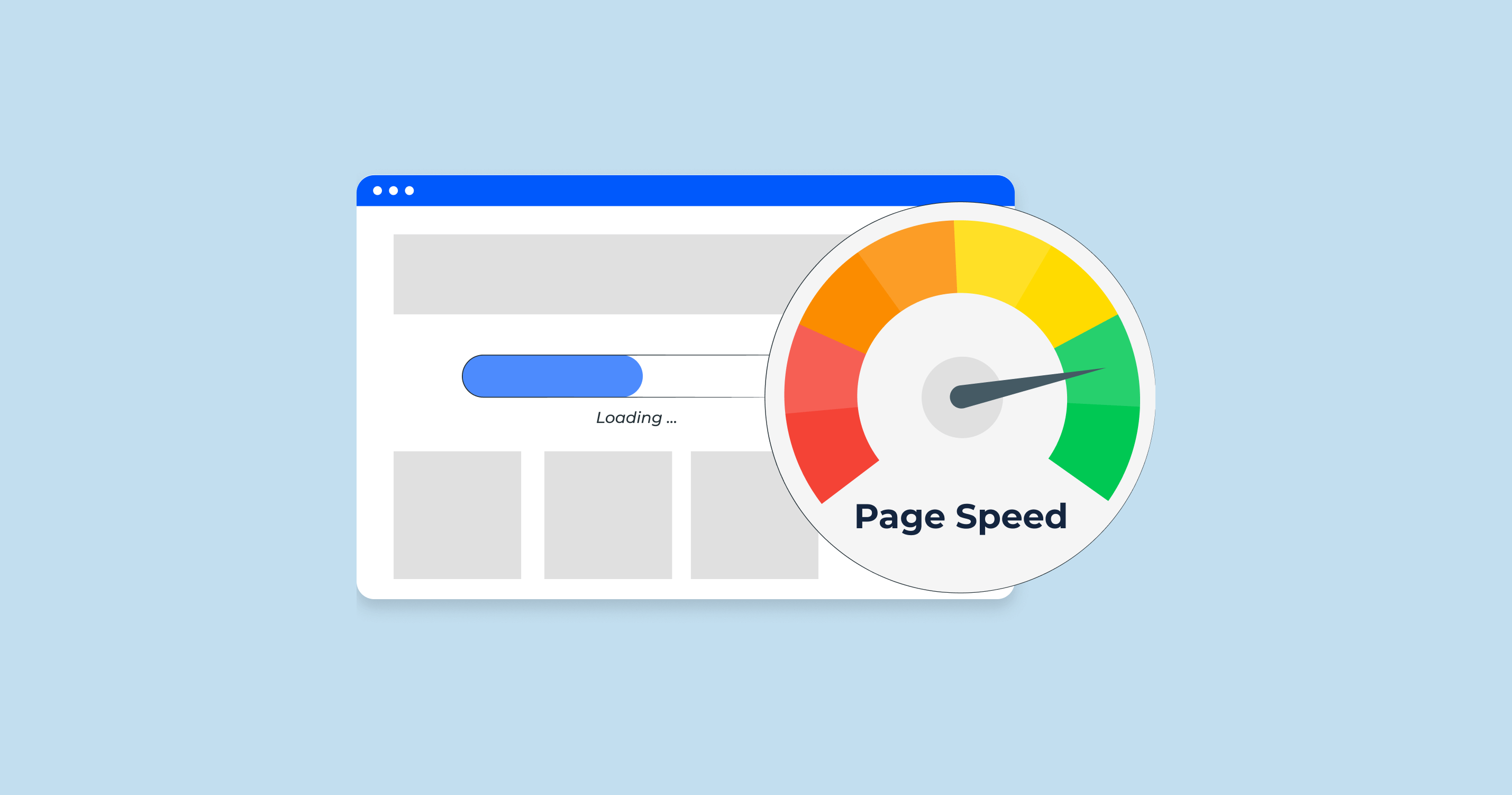
- Speed Test: Use Google PageSpeed Insights to ensure your store loads in under 3 seconds.
Frequently Asked Questions
Read more
How To Optimize A Google Business Listing
Most Google Business listings exist. Very few perform. If your profile isn’t driving calls, direction requests, or real leads, it’s not optimized — it’s just indexed. This guide breaks down exactly how to optimize your Google Business listing so it shows up, stands out, and converts.
What is Page Speed and How to Improve It?
Page speed is not a technical detail. It is a revenue lever. If your site loads slowly, users bounce, conversions drop, and Google quietly pushes you down the rankings. This guide explains what page speed actually means, why it matters for SEO and conversions, and how to improve it without breaking your site.

What are the Best AI Marketing Tools in 2026?
AI marketing tools are everywhere, but most businesses are still overwhelmed, underperforming, or using them wrong. In 2026, the winners won’t be the companies using the most AI tools — they’ll be the ones using the right tools with clear strategy. This guide breaks down the AI marketing tools that actually matter and how to use them intelligently.