
How To Optimize A Google Business Listing
Most Google Business listings exist. Very few perform. If your profile isn’t driving calls, direction requests, or real leads, it’s not optimized — it’s just indexed. This guide breaks down exactly how to optimize your Google Business listing so it shows up, stands out, and converts.
Why Google Business Optimization Still Matters in 2025
Google Business Profiles are no longer “nice to have.”
They are decision engines.
Before someone visits your site, fills a form, or clicks an ad, they usually:
• Google your brand
• Check reviews
• Look at photos
• Compare you to competitors
• Decide if you’re trustworthy
According to Google, businesses with optimized profiles are significantly more likely to receive calls, website visits, and direction requests.
Authority source: https://support.google.com/b...../business/
If your profile is incomplete or stale, Google assumes your business is low-quality or inactive — and treats it that way.
What Google Actually Wants From Your Business Profile
Google is not guessing.
It is evaluating signals.
Google Business optimization works when your profile sends clear signals across three areas:
• Relevance
• Proximity
• Prominence
This is confirmed directly by Google’s local ranking documentation.
Authority source: https://support.google.com/b.....nswer/7091
Your job is not to “hack” the system.
Your job is to feed it clarity.
Claim and Verify Your Listing Properly
This sounds basic — but it’s where many businesses mess up.
What to do
• Claim the listing under the correct legal business name
• Complete verification (video or postcard)
• Ensure ownership access is controlled and secure
Unverified or partially verified listings will not rank consistently.
This is non-negotiable.
Optimize Your Business Information (NAP Consistency)
NAP means Name, Address, Phone Number.
Google cross-checks this data across the web.
Best practices
• Use the exact same business name everywhere
• Use a local phone number, not a call center
• Match address formatting with your website and directories
Moz’s local SEO research shows NAP consistency remains one of the strongest local trust signals.
Authority source: https://moz.com/learn/local/local-seo
Inconsistency = uncertainty.
Uncertainty = lower visibility.
Choose the Right Primary and Secondary Categories
Your primary category is one of the strongest ranking factors.
This is not branding.
This is positioning.
Example
If you are a digital marketing agency, your primary category should be:
Marketing Agency or Internet Marketing Service
Secondary categories support relevance but do not replace the primary one.
Google explicitly states category selection impacts ranking visibility.
Authority source: https://support.google.com/b.....er/3038177
Choose what you are, not what sounds impressive.
Write a Business Description That Signals Authority
Your business description is not an ad.
It’s a clarity statement.
How to write it
• Explain what you do in the first 250 characters
• Include your main service keywords naturally
• Speak to outcomes, not hype
• Avoid emojis and promotional language
Google allows up to 750 characters — use them intentionally.
This description helps Google understand who you serve and why you matter.
Upload High-Quality, Real Images (Not Stock)
Listings with photos outperform those without.
But not all photos help.
What Google prefers
• Real team photos
• Office or workspace images
• Branded visuals
• Service-in-action shots
Avoid heavy filters and stock images.
They reduce trust and engagement.
Google confirms photos influence user interaction rates.
Authority source: https://support.google.com/business/answer/6103862
Your photos should answer one question instantly:
“Can I trust this business?”
Use Google Posts Like Micro Landing Pages
Google Posts are criminally underused.
They appear directly in your listing and influence engagement.
What to post
• Service highlights
• Offers
• Case wins
• Educational insights
• Event announcements
Each post should include:
• A short headline
• One clear CTA
• A relevant image
Think of posts as weekly trust deposits, not announcements.
Reviews Are Not Optional (And Responses Matter)
Reviews are both a ranking factor and a conversion factor.
BrightLocal research shows consumers trust online reviews almost as much as personal recommendations.
Authority source: https://www.brightlocal.com/...../research/
Review optimization rules
• Ask consistently, not occasionally
• Respond to every review
• Use service-related language in replies
• Stay calm and professional with negative feedback
A silent business looks inactive.
An unresponsive business looks careless.
Add Services and Products Strategically
The Services section is a relevance booster.
Best practices
• Add individual services, not generic bundles
• Write short descriptions with natural keywords
• Keep pricing optional if it varies
This helps Google connect your listing with specific search intent.
More clarity = better matching.
Track Performance Inside Google Business Insights
Optimization without tracking is guessing.
Google Business Insights shows:
• Search queries
• Calls
• Direction requests
• Profile views
• Photo performance
Use this data to:
• Improve descriptions
• Adjust services
• Refine posts
• Spot growth opportunities
Google gives you the data.
Most businesses ignore it.
Common Google Business Optimization Mistakes
• Keyword stuffing the business name
• Ignoring reviews
• Using fake locations
• Leaving profiles inactive
• Treating it as “set and forget”
These mistakes don’t just slow growth.
They actively suppress visibility.
Frequently Asked Questions
Read more
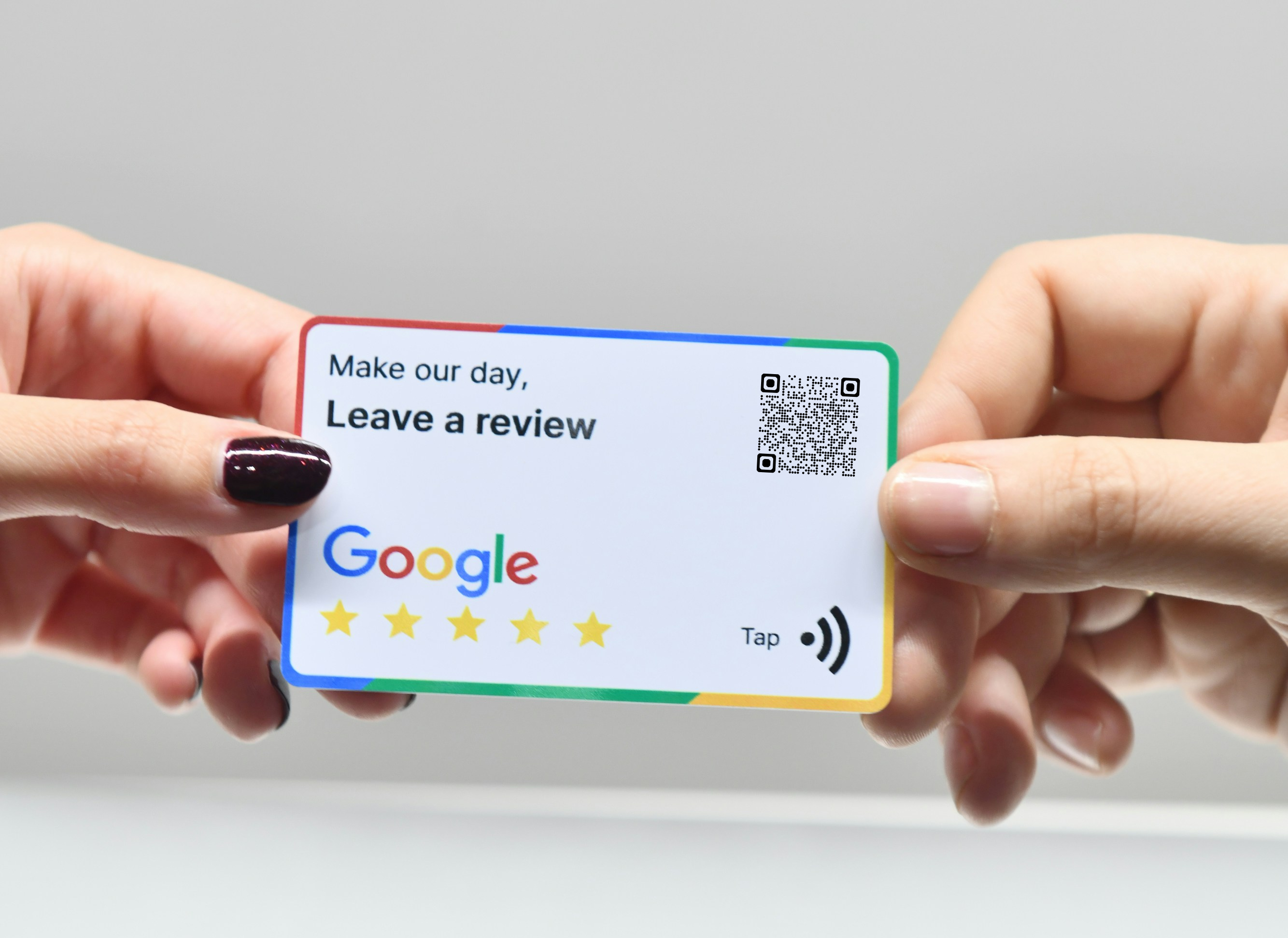
How to Get More Google Reviews: 7 Proven Tips
Google reviews are not just social proof. They influence rankings, click-through rates, and buying decisions before anyone visits your website. If reviews are coming in slowly or not at all, the problem is rarely your service. It’s your system. Here are seven proven ways to get more Google reviews without being awkward or spammy.

Rapid URL Indexer for Local SEO: A Detailed Analysis
Waiting for Google to index your new location pages and citations can take weeks. We analyze how Rapid URL Indexer speeds up this process to boost local visibility and map pack rankings faster.
Differences Between B2B SEO and B2C SEO
Understanding the nuanced differences between B2B and B2C SEO is critical for any growth strategy. Learn how target audiences, search intent, and conversion funnels dictate your path to the first page.